AI-First Platform for Mobile Development at scale

10x your development speed with AI agents and model flexibility. Full-stack tools—APIs, SDKs, CLI, visual studio—for developers building custom mobile experiences without limits.
PLATFORM
The AI-Powered Platform
for Mobile Developers
Launch custom mobile apps on App Store
at no-code speed, with pro-code flexibility.

Tile SDK

100+ production-ready libraries to build any mobile app
Custom Code

Build a fully custom mobile app with powerful tools
Prompt to Production
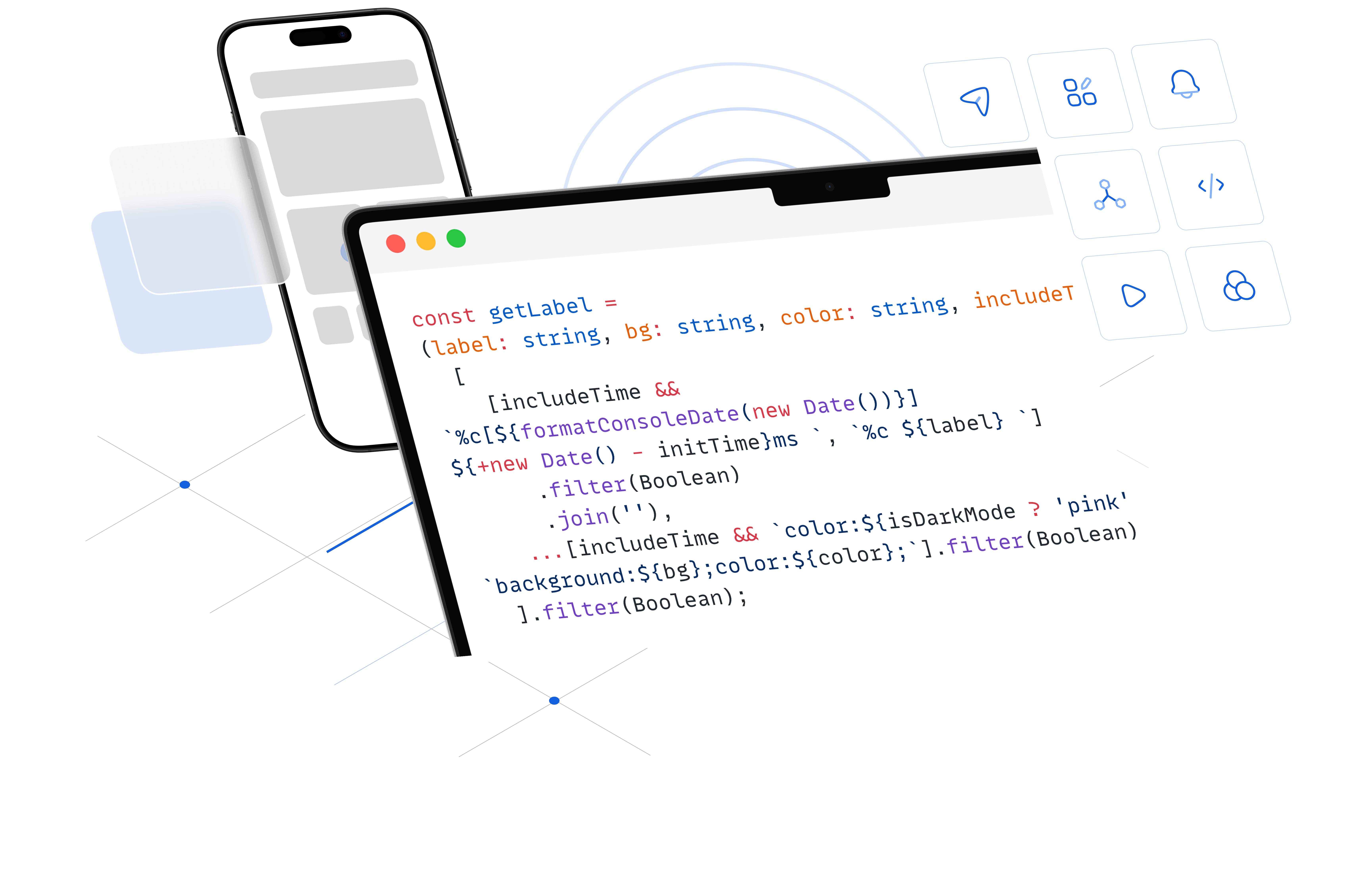
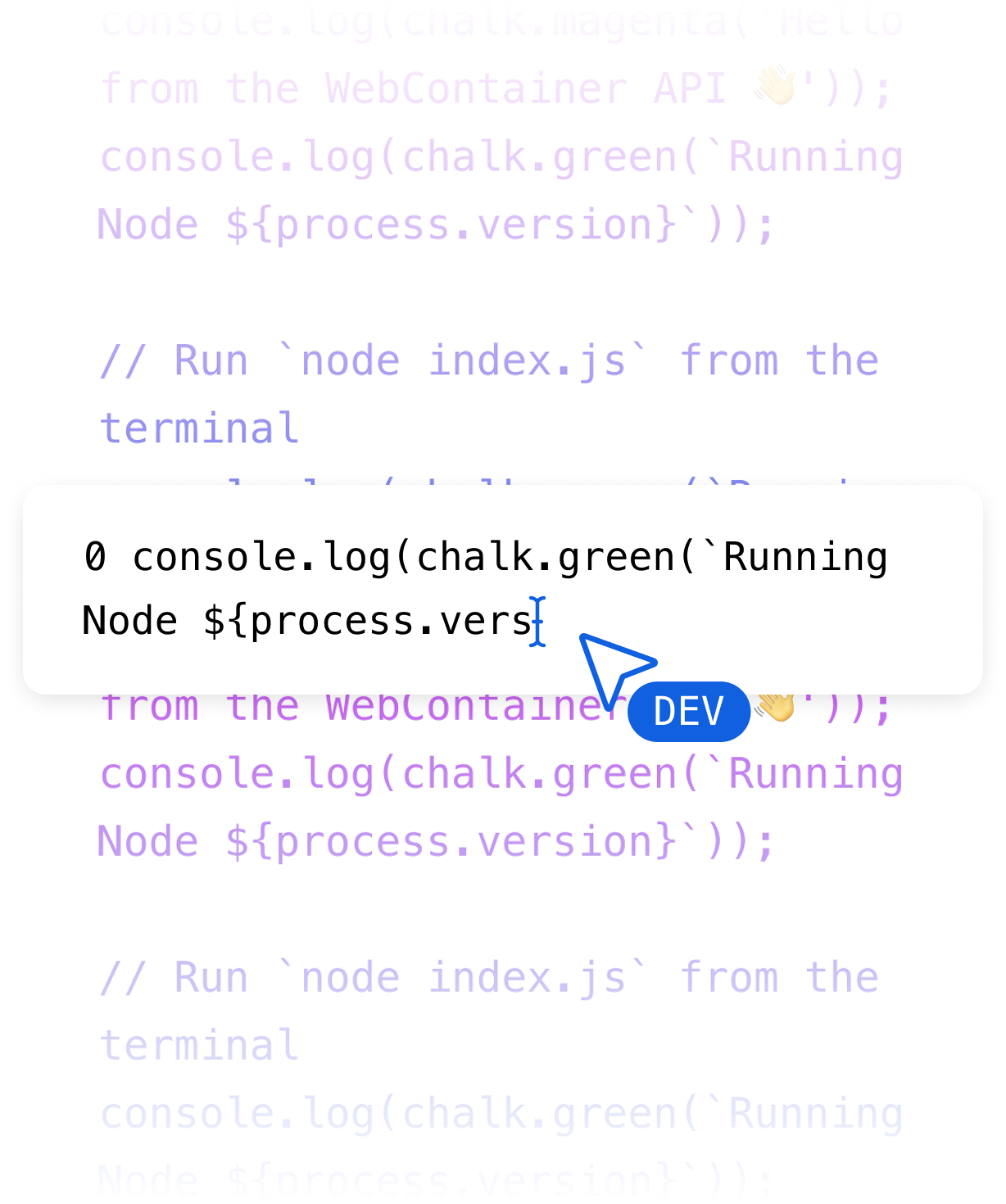
Generate code with AI prompts built right into the visual code editor
Automate Builds
CI/CD built in Automate builds, tests, and releases with configurable workflows.
App Analytics
Monitor every release. Track performance, crashes, and user metrics with built-in insights.
One-click Deployment
Deploy faster than ever - to both App Store and Google Play with a single click.
DEVELOPER EXPERIENCE
Tools that accelerate
Every Step of Development
Launch custom mobile apps on App Store at no-code speed, with pro-code flexibility.

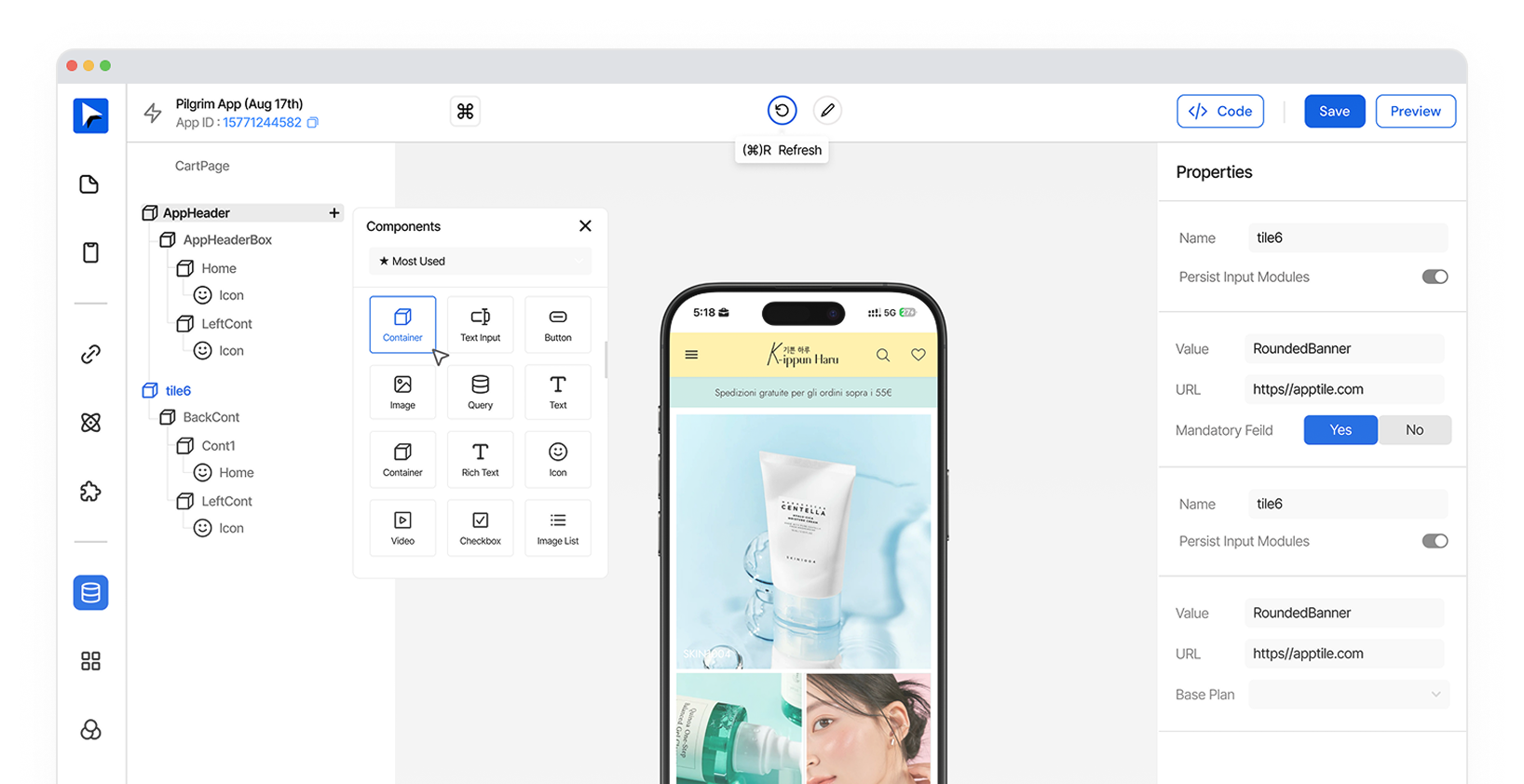
Visual Editor

<Legacy>

Speed up development with an intuitive visual code editing tool

Get Started

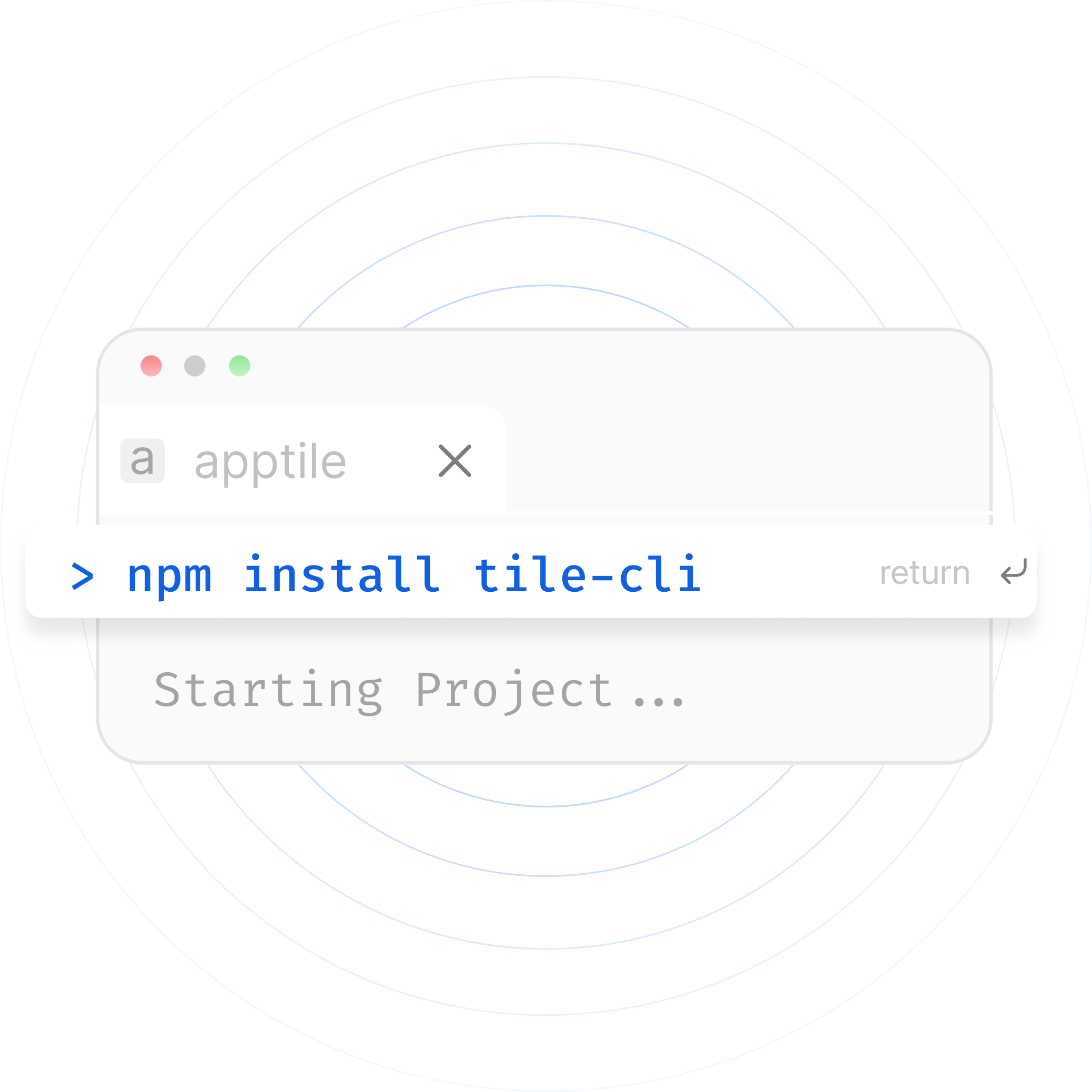
Tile CLI

No workflow changes. Code in your preferred IDE, deploy from terminal—same tools, new powers.
Prompt to Production
Generate code with AI prompts built right into the visual code editor
Automate Builds
CI/CD built in Automate builds, tests, and releases with configurable workflows.
App Analytics
Monitor every release. Track performance, crashes, and user metrics with built-in insights.
One-click Deployment
Deploy faster than ever - to both App Store and Google Play with a single click.
Your Favorite Frameworks
All Supported
This is some text inside of a dimport chalk from 'chalk';console.log(chalk.magenta('Hello from the WebContainer API 👋'));console.log(chalk.green(`Running Node ${process.version}`));// Run `node index.js` from the terminaliv block.
import { Chart } from 'chart.js/auto'; const ctx = document.getElementById('myChart');
new Chart(ctx, {
 type: 'bar',
 data: {
   labels: ['A', 'B'],
   datasets: [{ label: 'Votes', data: [5, 10] }]
 }
});
<div class="@container">  <div class="grid grid-cols-1 @sm:grid-cols-2">    <img src="/img/photo-1.jpg" class="aspect-square @sm:aspect-3/2 object-cover" />    <img src="/img/photo-2.jpg" class="aspect-square @sm:aspect-3/2 object-cover" />    <img src="/img/photo-3.jpg" class="aspect-square @sm:aspect-3/2 object-cover" />    <img src="/img/photo-4.jpg" class="aspect-square @sm:aspect-3/2 object-cover" />  </div> </div>
import React from "react";
import ReactDOM from "react-dom/client";
import { BrowserRouter } from "react-router-dom";
import App from "./App";
import"./index.css";
ReactDOM.createRoot(document.getElementById("root")).render(
 <React.StrictMode>
   <BrowserRouter>
     <App />
   </BrowserRouter>
 </React.StrictMode>
);
COMMUNITY
Join a Thriving Developer Community

Complete Apptile SDK Documentation

Everything you need to get started and master the platform.

Read our Docs

10k+ Developers Signed-up

You’re in good company — thousands of developers are already coding, deploying, and innovating with us.

Sign-up

1000+ Active Discord Members

See what other developers are working on, get questions answered, and get inspired browsing.

Join Community